
United Kingdom
+44 (0) 1628 660600
hello@creative-computing.co.uk
hello@creative-computing.co.uk
Xero is one of the most popular accounting platforms for small and growing businesses – and for good reason. It’s accessible, cloud-based, and genuinely user-friendly. If you’re in the early stages of building a business, it does exactly what you need.
But here’s the reality: many businesses reach a point where their finance software becomes a ceiling rather than a foundation. The spreadsheets multiply. The manual workarounds stack up. The board asks for reporting you simply can’t produce. And the system that once felt like a smart choice starts to slow you down.
If any of that sounds familiar, you’re not alone, and you’re not stuck. This blog explores the key signs that you’ve outgrown Xero, what Microsoft Dynamics 365 Business Central can offer you instead, and what a migration actually looks like in practice.
Growth is a good problem to have. But finance systems that aren’t built to scale with you create real operational friction. Here are the most common signs we see in businesses that are ready to move on:
1. You’re living in spreadsheets alongside Xero
Xero is an accounting tool. It’s not an ERP. That means anything beyond core bookkeeping - inventory tracking, project costing, warehouse operations, multi-entity reporting – tends to end up in a spreadsheet. If your team is spending hours each month manually pulling data together, that’s a flag.
2. Multi-entity or multi-currency management is becoming painful
Xero offers some multi-currency support, but if you’re managing multiple legal entities or subsidiaries, consolidation becomes a significant manual effort. Business Central handles intercompany transactions and financial consolidation natively, saving finance teams significant time at month-end.
3. Your reporting can’t keep up with what leadership needs
Standard Xero reporting covers the basics. But as businesses scale, finance teams are expected to provide real-time visibility on profitability, project performance, cash flow forecasting, and operational KPIs. Without a system that connects finance to operations, that kind of insight is either impossible or eye-wateringly time-consuming to produce.
4. You’ve added multiple disconnected systems
A CRM here. A stock management tool there. A separate expenses platform. Xero integrates with many apps, but those integrations have limits - and every additional system introduces another potential point of failure, another data sync to maintain, and another source of truth to reconcile.
5. Your audit trail and compliance requirements have grown
As businesses grow, so does regulatory scrutiny. Robust audit trails, approval workflows, and controls become non-negotiable. Business Central provides these natively, whereas in Xero they often require workarounds or third-party add-ons.
Here’s what that means in practice:
Finance and Operations in One Place
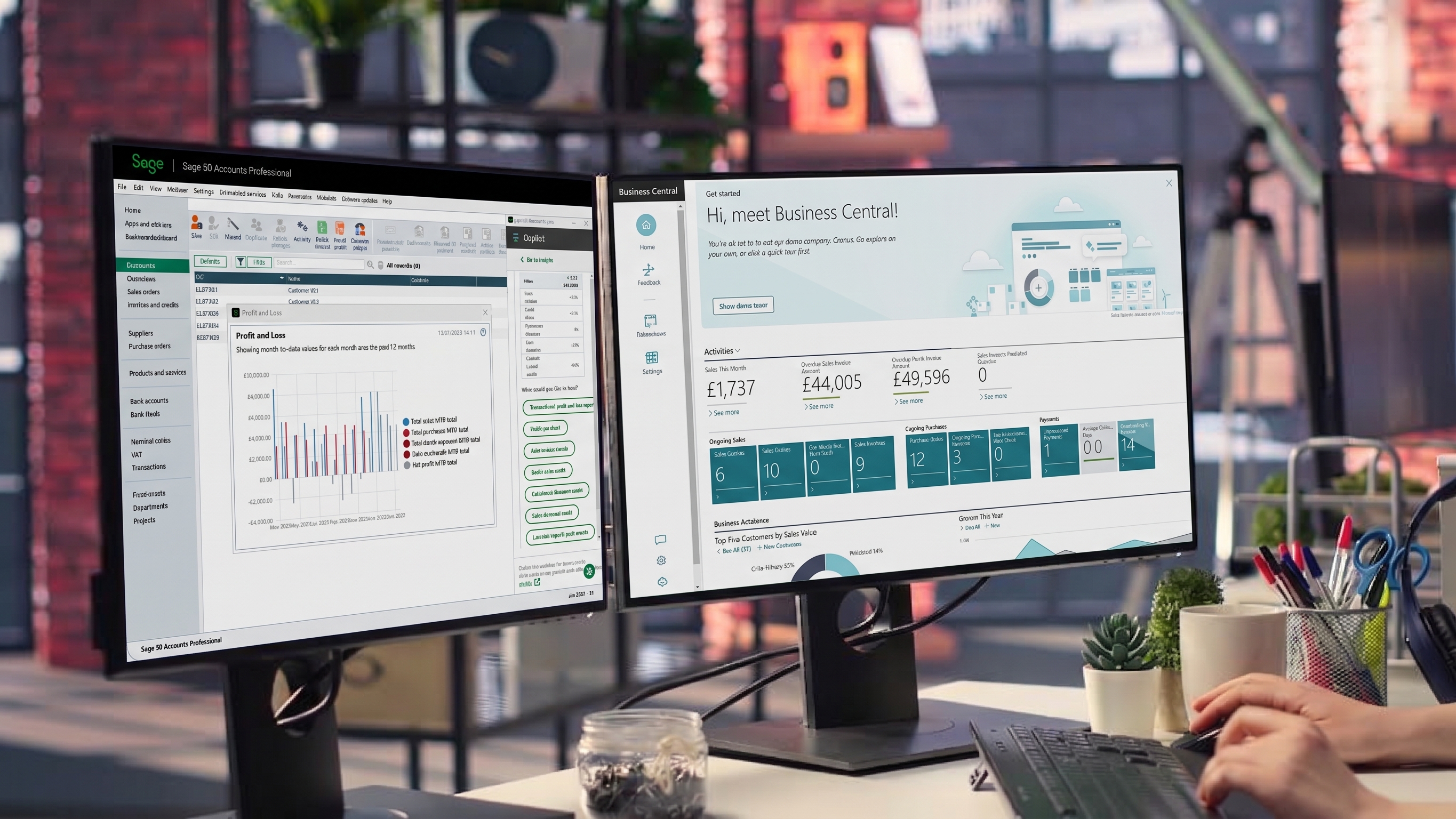
Business Central connects your purchase orders, inventory, sales, projects, and financials in real time. There’s no more re-keying data between systems or waiting for overnight syncs. When a purchase order is raised, it flows through to your accounts payable automatically. When stock moves, your financial picture updates immediately.
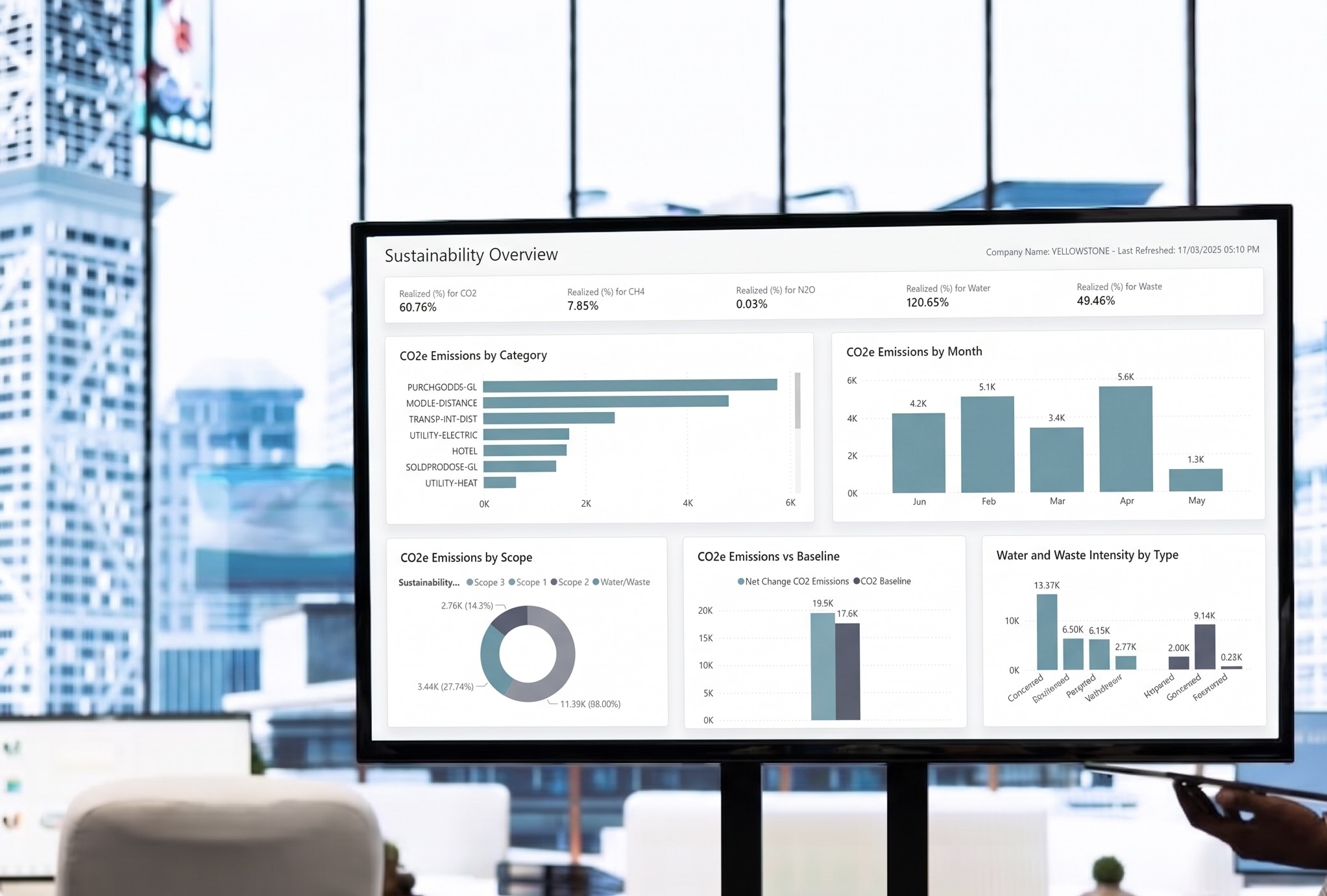
Real-Time Reporting and Business Intelligence
AI Copilot Built In
Automation That Removes the Manual Work
Built to Scale With You
Whether you’re in distribution, manufacturing, the non-profit sector, or media, Business Central adapts to the way your business operates. It handles multi-entity, multi-currency, and multi-location businesses without bolted-on workarounds – because it was designed for complexity from the ground up.
This is the question we hear most often, and the one that gives finance leaders the most pause. Migrations sound disruptive. The reality, with the right partner, is that they don’t have to be.
Here’s how the process typically works:
There are many Microsoft partners out there. What makes Creative Computing different is the way we work with our clients.
With over 35 years of experience and more than 500 software implementations behind us, we’ve seen every type of migration challenge – and we know how to handle them. We’re an accredited Microsoft Solutions Partner for Dynamics 365, which means we’re held to the highest standards of delivery.
But more than that, we’re genuinely invested in your success. As Daniel Blades, Managing Director at one of our clients, puts it: “As a growing business we need a flexible and prompt service solution for our ERP. Creative tick all the boxes.”
If you’re an organisation with a turnover of between £5m and £50m, increasing operational complexity, or ambitious growth plans – this is worth your time.
Migrating your finance system is a significant decision – but staying on a system that’s holding you back is a significant cost. If Business Central sounds like the right direction for your business, we’d love to have a conversation.
Is your ERP system holding you back? Register for our free webinar on Thursday 25 June and find out whether it's time to upgrade."




.jpg)

.jpeg)
.png)

.jpg)