United Kingdom
+44 (0) 1628 660600
hello@creative-computing.co.uk
hello@creative-computing.co.uk

Picture a finance director at a 120-person engineering firm in Oxfordshire. It's early April, the new financial year has just started, and the budget has finally been signed off after six weeks of emails, numbered spreadsheet versions and one late-night consolidation. Everyone agrees it's a sensible plan. By September, nobody is entirely sure how the business is tracking against it, because the budget lives in one workbook, the actuals live in the accounts system, and comparing the two means another export.
That firm is fictional, but the pattern isn't. Budgets are built with real care and then quietly left behind. This post looks at how Microsoft Dynamics 365 Business Central handles budgeting and budget vs actual variance reporting, and why keeping your plan inside the same system as your ledger makes it much easier to keep honest.
Microsoft Excel is a perfectly good place to draft a budget. The trouble starts once the year is under way. Every month, someone exports a trial balance, pastes it next to the budget, and checks that account codes and department names still line up. A new nominal code, a renamed cost centre or a mid-year restructure quietly breaks the mapping, and the variance report becomes a small monthly project rather than something you simply open.
The result is that variances tend to surface at quarter end, or worse, at year end, when there's little left to do about them except explain them.
Business Central budgeting starts with G/L budgets. Each budget has a name, so you can hold several for the same period: the original board-approved budget, a mid-year reforecast and perhaps a stretch case. Microsoft's documentation notes that you can copy an existing budget and turn it into a forecast, which is how most finance teams handle budget forecasting without overwriting the original plan.
The real flexibility comes from dimensions. These are tags such as department, cost centre, project or region that sit on every posted transaction. According to Microsoft Learn, a budget entry can combine a G/L account and period with two global dimensions and up to four budget dimensions. In practice, that means you can budget marketing spend by department, or facilities costs by site, using exactly the same codes your team already posts to.
You don't have to give up spreadsheets for the drafting stage, either. Budgets can be exported to Excel, edited offline by budget holders and imported back, and the budget planning module on Microsoft Learn also covers copying last year's figures with an adjustment factor as a starting point.
If you need more structured cost centre budgeting, Business Central's cost accounting area supports separate cost budgets, including allocations and a Cost Budget by Cost Centre report.
A practical tip: budget at the level you actually manage. Monthly figures by department are usually enough. Budgeting every account against every dimension combination creates work nobody reviews.
Because the budget and the actuals share the same accounts and dimension values, variance is calculated rather than reconciled. There are a few places finance teams tend to look.
Chart of accounts. The G/L Balance/Budget view shows actual and budgeted amounts side by side for each account, along with the proportion of budget used, by whatever period length you choose. Microsoft explains this in its guide to analysing actual versus budgeted amounts.
Financial reporting. Business Central's financial reporting tool pairs a row definition (your P&L layout) with a column definition. Since the 2024 release wave 2, Microsoft has provided sample column definitions, including an ACT/BUD actual versus budget comparison. Add a department filter and your income statement becomes a departmental P&L, with variance columns calculated by formula.
Analysis views. For slicing by dimensions beyond the two global ones, analysis views group G/L entries and budget entries by account, period, business unit and up to four dimensions.
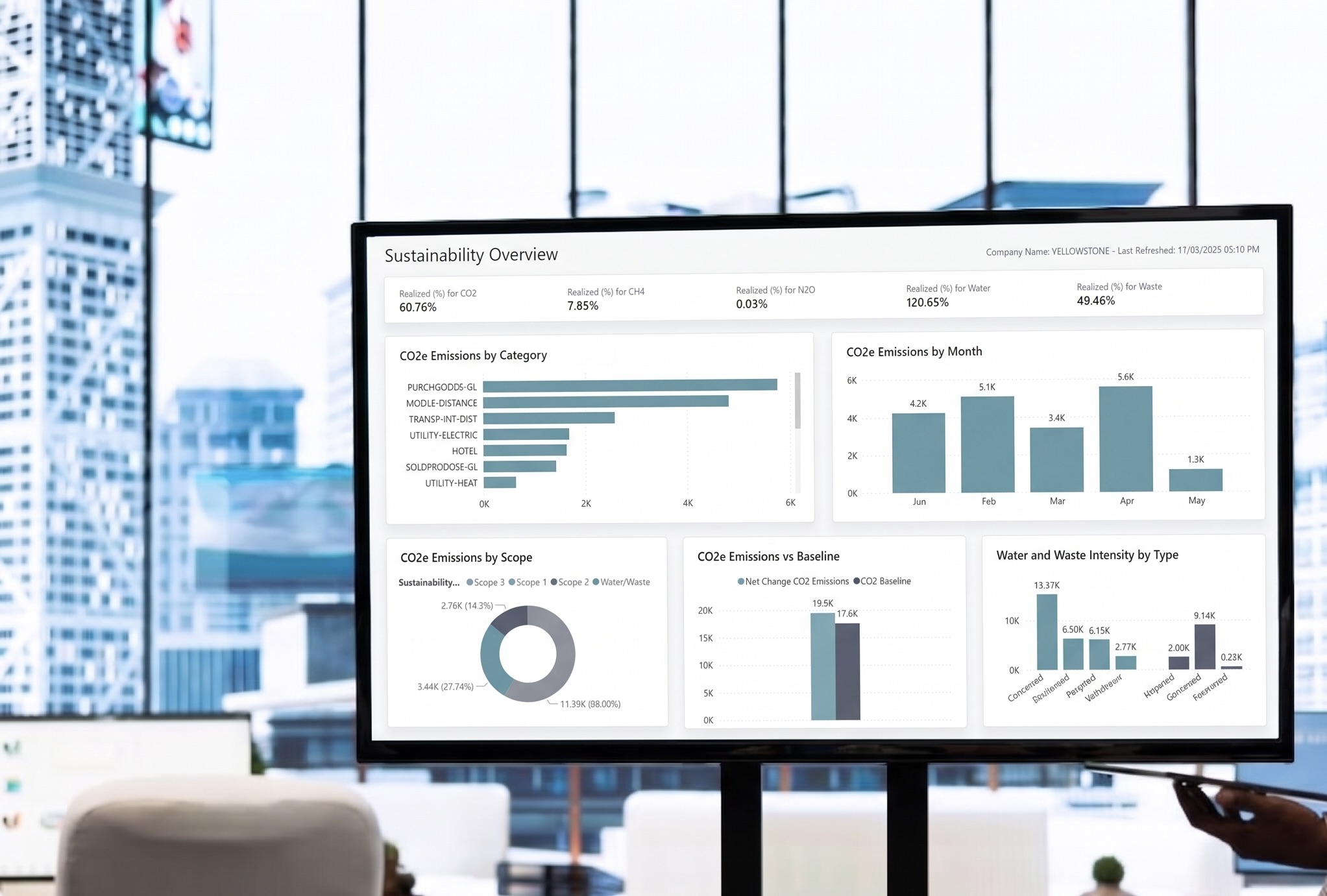
Power BI. For leadership dashboards, the Power BI Finance app includes a Budget Comparison report that compares G/L budgets with actuals month by month. It's built on Power BI, so directors can filter by department without asking finance for a new export.
Back to our engineering firm. The finance director, Priya, runs an April to March financial year. The marketing department has an annual budget of £156,000 for events and external agencies, phased evenly at £13,000 a month for simplicity.
After the July month end, Priya opens the actual versus budget report filtered to the Marketing department. Year to date, the budget is £52,000 (four months at £13,000). Actual spend is £68,000. That's a £16,000 adverse variance, roughly 31% over.
She drills down from the report line to the posted entries and finds two causes:
Because she spotted it in July, Priya has eight months to act. She talks to the marketing lead about renegotiating the retainer or trimming other activity, and copies the original budget into a reforecast so the board can see both the approved plan and the revised expectation in the same report. Without variance reporting inside the ledger, the same £30,000 might not have surfaced until the Q3 review, or the year-end accounts.
A budget that lives inside Business Central has a few structural advantages over a standalone spreadsheet:
The spreadsheet doesn't disappear. It just stops being the system of record.
If you're planning next year's budget in Business Central, these are the areas we'd review first:
None of this is complicated, but it's much easier to set up before the year starts than to retrofit in month five.
We've completed over 500 software implementations and have spent decades working with Business Central and its predecessor. If you want a budget your team can actually track against, rather than one that's filed away in April, now is the time to plan.
Speak to Creative Computing about setting up budgeting and variance reporting in Business Central for next financial year, or about a health check on the setup you already have.